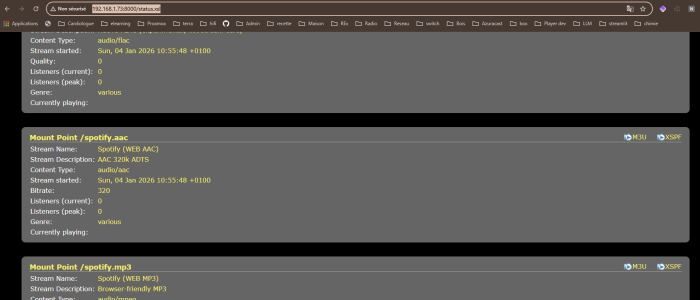
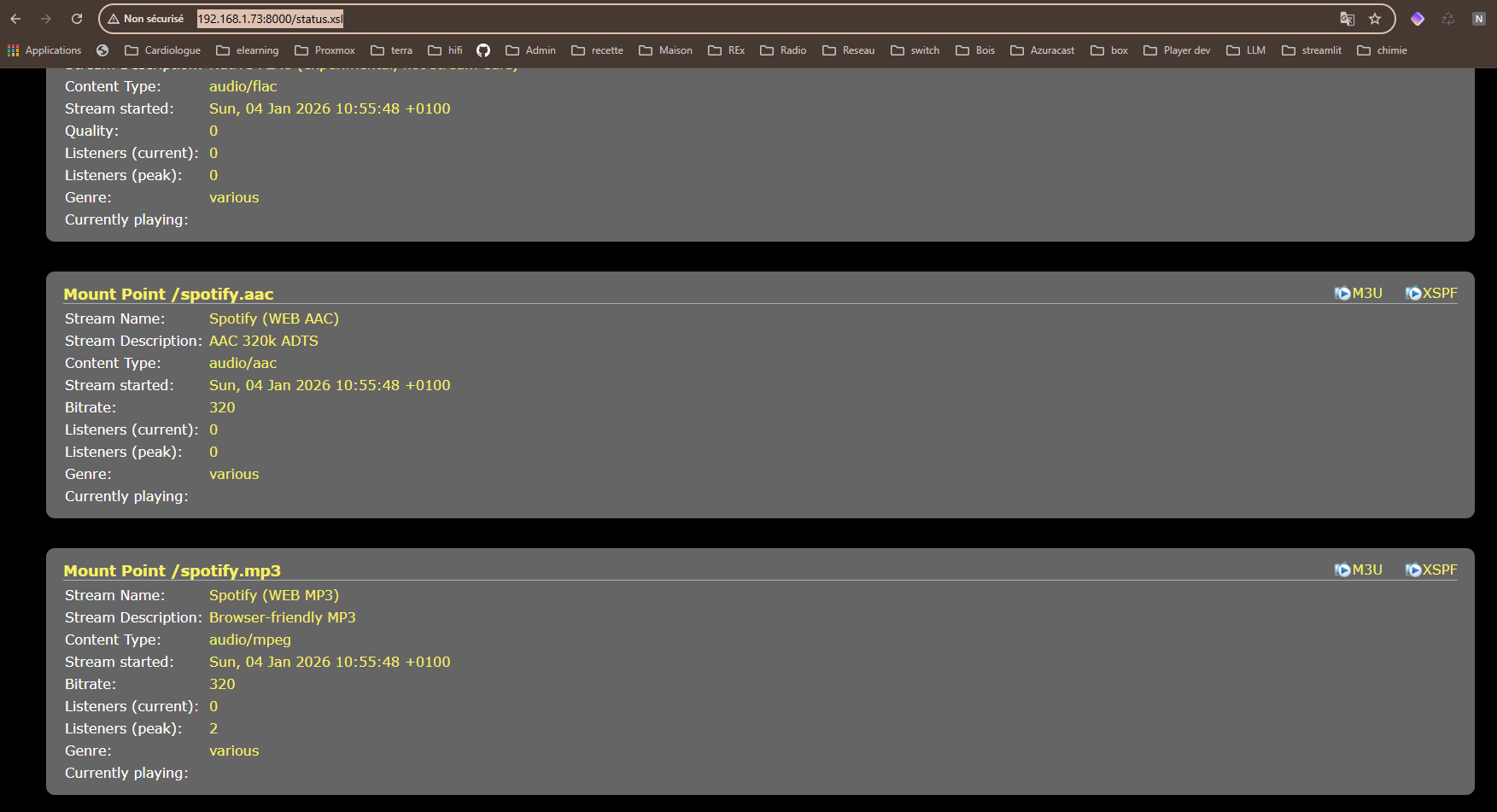
 Icecast site, available mountpoint list
How it works — Spotycast
Spotycast turns Spotify playback into a standard HTTP / Icecast stream. Spotify plays inside the container, Liquidsoap shapes the stream, Icecast exposes mountpoints, and your ecosystem (Roon / LMS / Volumio / any radio-URL client) consumes it like a normal network source.
Quick flow (5 steps)
1) Open Icecast
Verify Icecast is reachable and you can see the server status page.
http://<HOST>:280002) Copy a mountpoint
Pick one URL (AAC/MP3/FLAC depending on your profile) and copy it.
http://<HOST>:28000/spotify.aac3) Add it in your player
Add the mountpoint as a custom radio stream URL (Roon / LMS / Volumio / others).
4) Select the Spotify endpoint
On Spotify “Connect to a device”, select the Spotycast endpoint shown on your network.
5) Play
Spotify starts playback → Liquidsoap publishes → your player receives audio from Icecast.
Done
Your player becomes the “distribution layer”, Spotify becomes the “source”.
Mountpoints: what you should see
Typical examples
- /mp3 or /spotify.mp3 (compat / lossy)
- /aac or /spotify.aac (often best compatibility)
- /flac (Premium profile, when enabled)
Ops & troubleshooting
Mountpoints not visible or no audio?
- Confirm Icecast is reachable: http://<HOST>:28000
- Ensure Spotify is playing and the correct Spotycast endpoint is selected in Spotify Connect
- Check the pipeline logs inside the container
tail -n 200 /var/log/spotify-roon-bridge/liquidsoap.stderr.log || true
tail -n 200 /var/log/spotify-roon-bridge/icecast2.stderr.log || true
tail -n 200 /var/log/spotify-roon-bridge/pulseaudio.stderr.log || true
Client compatibility
Any player that can ingest an HTTP radio stream should work. In this architecture, the player is simply a stream consumer.